AnAncientForce

234 words
1 minutes
sysZ
Based on my Github post
What is sysZ?
- A preconfigured customization of the i3 Window Manager
- The repository is synchronized across three of my computers for one click updating
- The idle ram usage used by default should be around 650MiB. sysZ should work on any intel based processor laptop. However, the architecture must be x86_64 and RAM should be greater than 2GB.
Features within sysZ’s customization:
- Wallpaper selection
- Live Wallpaper selection with automatic pausing
- Screensaver
- Bluetooth configuration
- AutoStart file
How to use
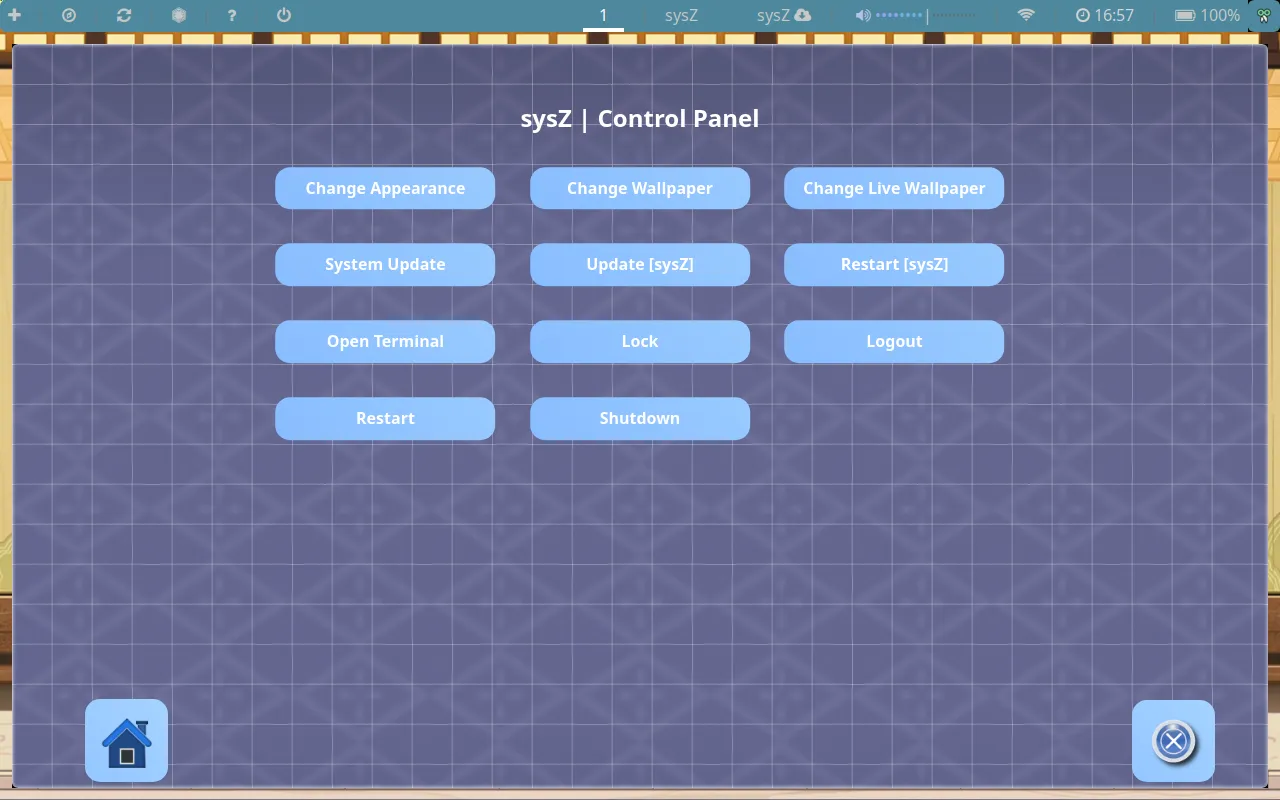
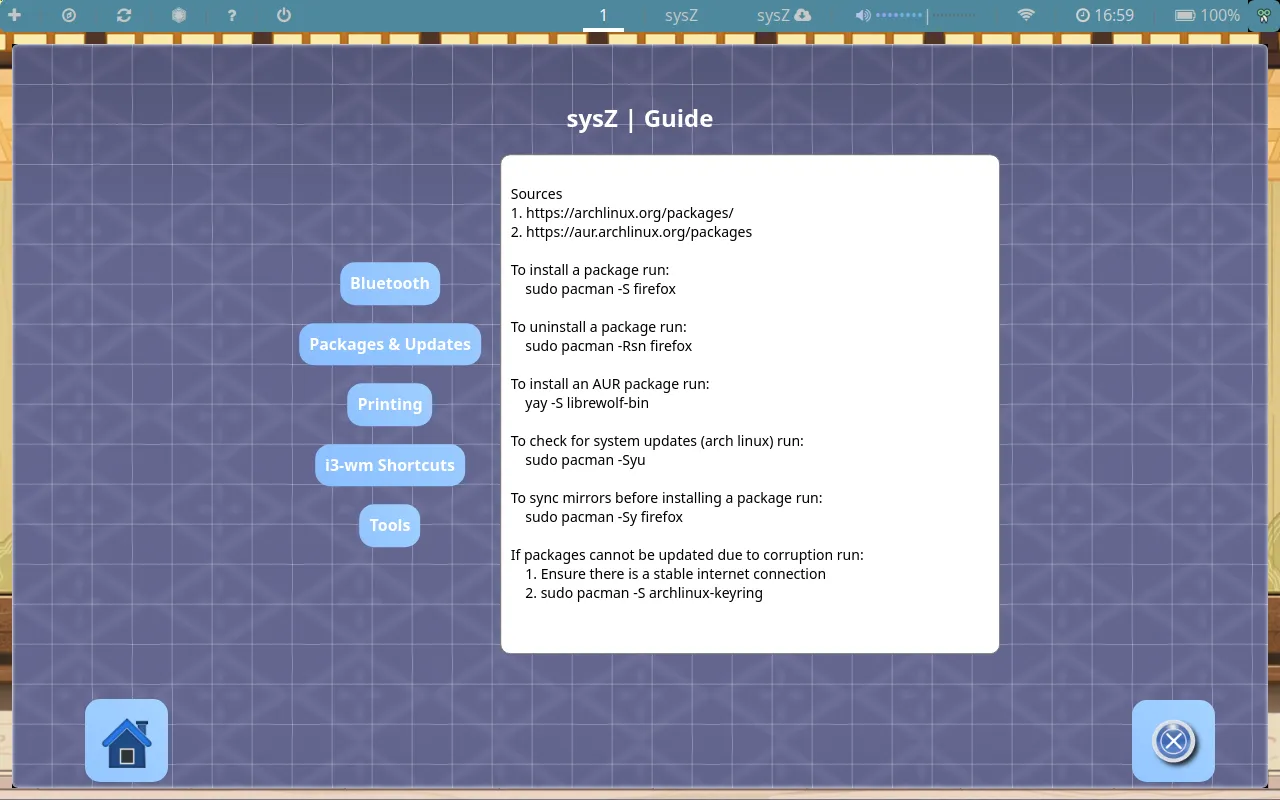
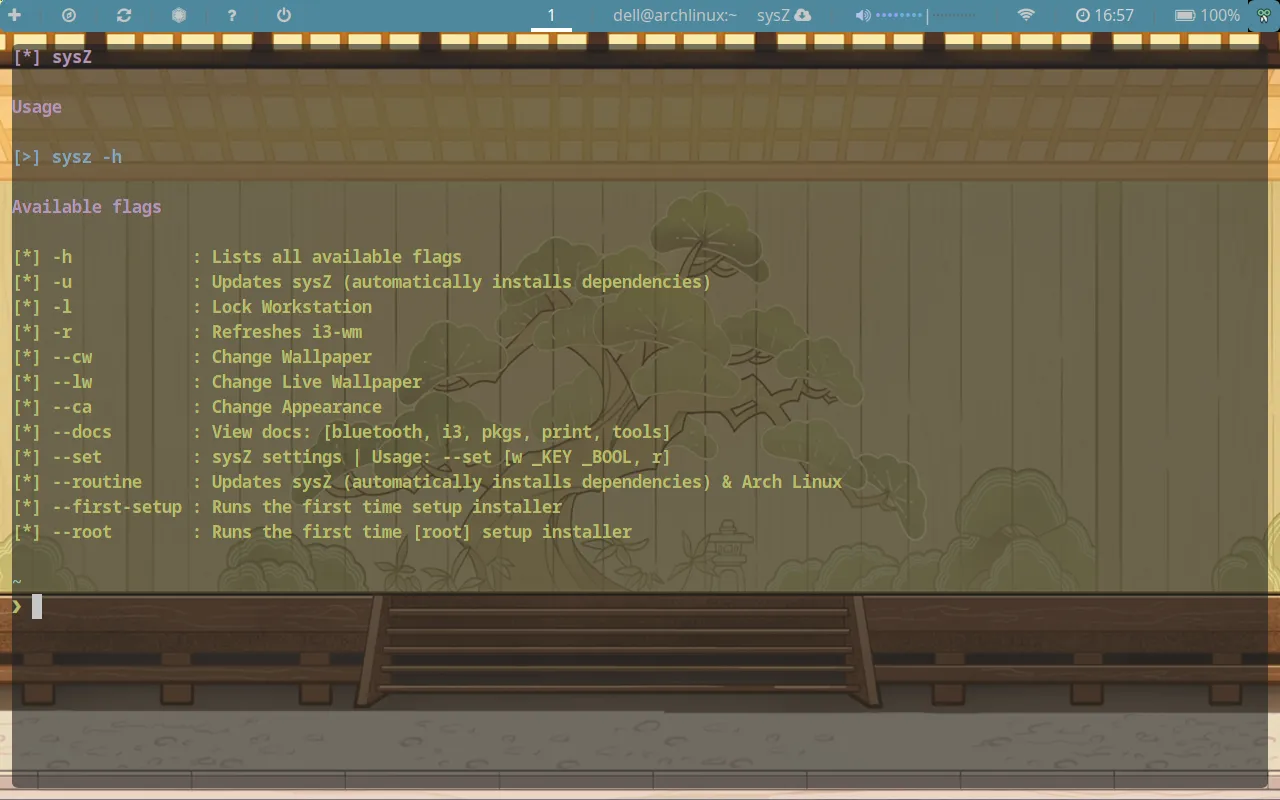
Open the control panel by pressing SUPER + i. There will be 4 categories: Change Log, Guides, Control Panel and Settings.
Recommended way to install
WARNING! ~ This tool will override many of your configuration files! If you already have i3-wm setup it is highly recommended that you back up your existing .config folder.
- Download the latest Arch Linux ISO
- Flash your Arch Linux ISO to a bootable USB flash drive. If you are on windows, you can use this tool
- Boot into the live installation media and when Arch Linux boots up, synchronize mirrors (sudo pacman -Sy) then run archinstall
- While using the archinstall script, select the
i3 window managerin theProfile(desktopsection. - Once Arch Linux has been setup, login to a user account and open a terminal ($mod+enter). In the terminal, run
sudo pacman -S gitand from the home directory, rungit clone https://github.com/AnAncientForce/sysZ.git - Once cloned,
cdinto the~/sysZ/shellfolder - Run
sh pull.sh --auto - Proceed with any additional prompts
Dependencies
Screenshots