After being recommended YouTube videos of AI image generation I found out this was such a thing. Knowing me though, I wanted to run it locally. I’d rather run something on my own hardware then on someone else’s, if I can that is. I researched a few UI’s for Stable Diffusion, specifically AUTOMATIC1111 and Easy Diffusion. I went with Easy Diffusion for the time being as it was the fastest with upscaling. I only had a laptop with 8GB of VRAM and a NVIDIA GeForce RTX 2070. I was using SD 1.5 for my prompts.
All was good until I started struggling to create prompts for specific characters. Soon after, I discovered LoRAs. LoRA is sort of like a mini-checkpoint model which enables you to generate a specific character that the LoRA was trained on (note that there are many different types of LoRA, not all are characters). I downloaded a few LoRAs of my favorite characters from Civitai and was amazed to see the results of how cool these things were.
I soon discovered more checkpoints, however with this specific model DosMix I was introduced to something called a “Hi-Res Fix”, the checkpoint creator said to use these specific settings for the best output:
hires fix denoise 0.5, upscale by 2. Latent, R-ESRGAN 4×+ Anime6B.
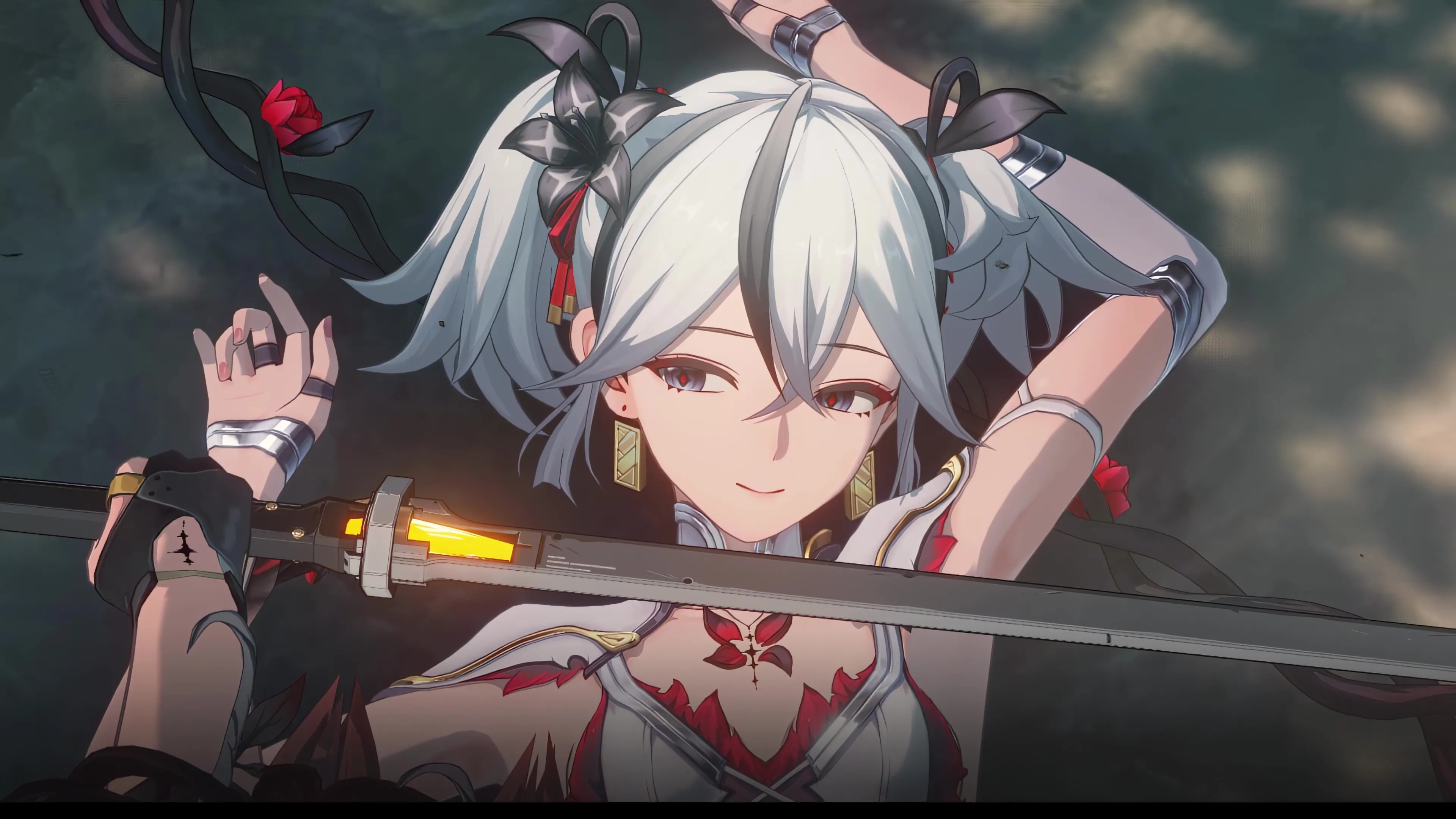
After applying these settings, the results were phenomenal! Never had I ever gotten such a high quality output like this before. I started an art channel on Pixiv and spent a few weeks posting the best generations I had made.
Early June Update
Well well well, we’re finally here. After a long time of putting it off (since I got a new gaming PC and wanted to play a ton of games on it) I finally started to learn how to create Low-Rank Adaptation models (LoRA) for Stable Diffusion. Since early June, I’ve been researching for a PC that I would dedicate towards machine learning. The most suitable option for AI training would require a high end graphics card, so I went with a new PC build with a NVIDIA GeForce RTX 4090. AMD CPU FTW BTW.
The first thing I did was find the best SDXL model to use, after a lot of trial and error t-ponynai3 seemed to be the best choice for me. After my first generation I realized something was off. My images did not look anything near what the sample images the model’s creator provided. So, I read the description (something I don’t typically do, same applies to manuals 💀). The description mentioned “The best generate strategy is to use high-fix at a moderate resolution, rather than directly using high-resolution direct output”. I was using my previous Hi-Res fix setting from DosMix, and had no clue what I was supposed to change. Later, I found out that I could just import the model creator’s images directly into AUTOMATIC1111 via the “PNG Info” tab and load the same settings that they used. The Hires setting was ready. A new journey began. Such an amazing model, such quality results. The hands actually looked like hands for once, which did not work very well in SD 1.5.
I spent a few more weeks posting the new generations I had made with t-ponynai3 on Pixiv putting off training LoRAs for a while because I had imagined it would be extremely difficult to learn. Turns out, there were a ton of tutorials to follow, not that I really understood them, but at least I could follow them to some extent. One of the programs that is used for training is Kohya, it has a GUI similar to AUTOMATIC1111 so I thought it’d be worth a shot!

this…
was…
so incredibly complicated.
so many parameters…
i don’t know what’s going on anymore .
Yup, that’s exactly how it felt at first. I spent a few days getting my head around it and learning about what some of the most common training parameters do. After messing around with it for 12 hours a day, everyday for 2 weeks straight. It started making sense to me. Here are some notes that I took:
Disclaimer: the information stated here is based on what I’ve learnt, it may be inaccurate or incorrect
- The higher the batch size the faster, however the severe side effect is that faces may be highly incorrect.
- If the network dimension and network alpha are the same value, the max strength will be used.
- The lower the network alpha is from the network dimension, the lower the strength is. The network alpha should also never be higher than the network dimension.
- It is NOT recommended to have the learning rate set as
1as it is considered dangerously fast and could lead to major instabilities. - It is usually necessary to use arguments with optimizers for a better run.
no_half_vaewill preventnullencounters and Stable Diffusion from crashing.xformersis necessary to use when we’re low on virtual random access memory.- It is genuinely recommended to save every epoch, this is because every dataset is different. We don’t know which epoch will be the perfect result. So we must save and try them all.
- For SD 1.5, 512x512 resolution is best suited. For SDXL, 1024x1024 resolution is best suited.
There is a LOT that I am still learning. That’s all for now, if you are interested in AI image generation I highly recommend you check out Civitai as they have an entire community dedicated to AI. Thank you for reading this post, until next time!👋